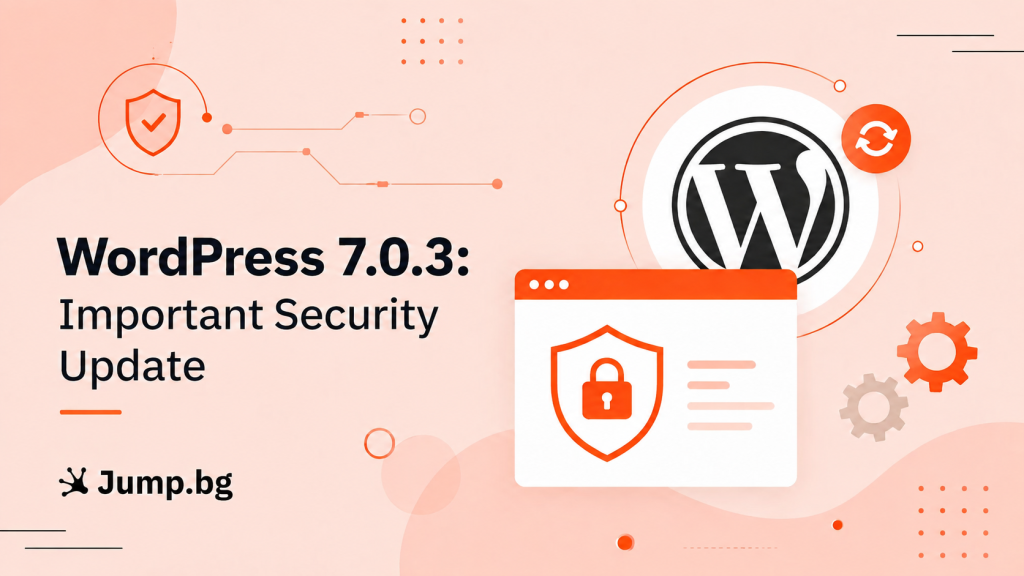
On 6 August 2026, the WordPress team released a new version, WordPress 7.0.3. This is a security-focused update that fixes 12 vulnerabilities in the WordPress core.
Unlike previous updates, this one affects almost every version of WordPress released in recent years. The good news is that the fix is already available and quick and easy to apply. In this article we explain briefly what happened and what the next steps are, without unnecessary technical details.
In short
On 6 August 2026, WordPress 7.0.3 was released with fixes for 12 vulnerabilities. Every version from 4.7 up to and including 7.0.2 is affected. In practice, that means any site that has not been updated. We recommend updating yours to version 7.0.3 without delay. If you need help, the Jump.bg team is here for you.
What happened
The new version fixes 12 vulnerabilities in the WordPress core. Most of them require the attacker to already have some level of access to the site, but one stands out, because it can be used by a complete outsider. The table below summarizes, in plain language, what they are:
| Vulnerability | What it could allow | Who could use it |
|---|---|---|
| An issue on the login screen (CVE-2026-64638) |
Taking over the site, if an administrator is tricked into opening a specially crafted link. | An outsider, with no access to the site |
| Privilege escalation on a network of sites | An ordinary user creating a new site on the network without being entitled to do so. | A registered user (multisite only) |
| Requests to internal addresses | Using the site to reach internal information on the server. | An outsider |
| Hidden code in content (5 separate issues) |
Injecting a malicious script or styles into the site’s posts. | A user with the Contributor role or higher |
| Information disclosure and other lower-risk issues (4 separate) |
Revealing data that should stay hidden, for example comments on password-protected posts. | Depends on the specific case |
It is worth noting that a large share of these issues require the attacker to already have an account on the site, for example with the Contributor or Author role. This is a good moment to review who has access to your site and remove the accounts you no longer need.
In every case, the site needs to be running an affected version that has not yet been updated. Updating to 7.0.3 removes the risk entirely, so that is all you need to do to be safe.
Full technical information is available in the official WordPress announcement.
Is my site affected?
This time the scope is unusually broad. The affected versions span nearly ten years of releases:
| WordPress version | Affected? | What to do |
|---|---|---|
| 7.0.3 | No | No action required |
| From 4.7 to 7.0.2 | Yes | Update to 7.0.3 |
| 4.6 and earlier | Yes, and no longer receives fixes | Contact us about a migration |
If for some reason you cannot move to 7.0.3 straight away, WordPress has also released fixes for the older branches, for example 6.9.6, 6.8.7 and 6.7.6. That is a good temporary solution, but it is not a substitute for updating to the current version.
If you are not sure which version you are using, you can find it in the WordPress admin area, in the bottom right corner of the screen or under Dashboard → Updates.
Why it is a good idea to act now
Because the fix is already public, information about the vulnerabilities is available to malicious actors as well, and sites that have not been updated may become a target of automated attacks. The good news is that updating takes only a few minutes and removes the risk entirely.
What to do
Updating WordPress takes only a few minutes. Follow these simple steps:
- Create a backup of your site. This is good practice before any update.
- Log in to the WordPress admin area.
- Open Dashboard → Updates.
- If an update is available, click Update Now.
- Make sure the version is now 7.0.3.
In many cases WordPress applies important security updates automatically, but it is a good idea to check manually as well, so you can be sure your site is protected.
If you run a site with several authors or editors, take a few minutes for Users → All Users as well. Accounts that are no longer in use are best removed or moved to a role with fewer permissions.
Need help?
If you are not sure which version you are using, run into difficulties with the update, or simply want someone to check that everything is fine, the Jump.bg support team is here to help. Contact us and we will guide you step by step.
If you are still choosing where to host your site, take a look at our WordPress hosting plans. They are fast, secure and backed by expert support, so you can focus on your business.
Your site’s security matters to us. If you have any questions, contact the Jump.bg team. We are here to help.