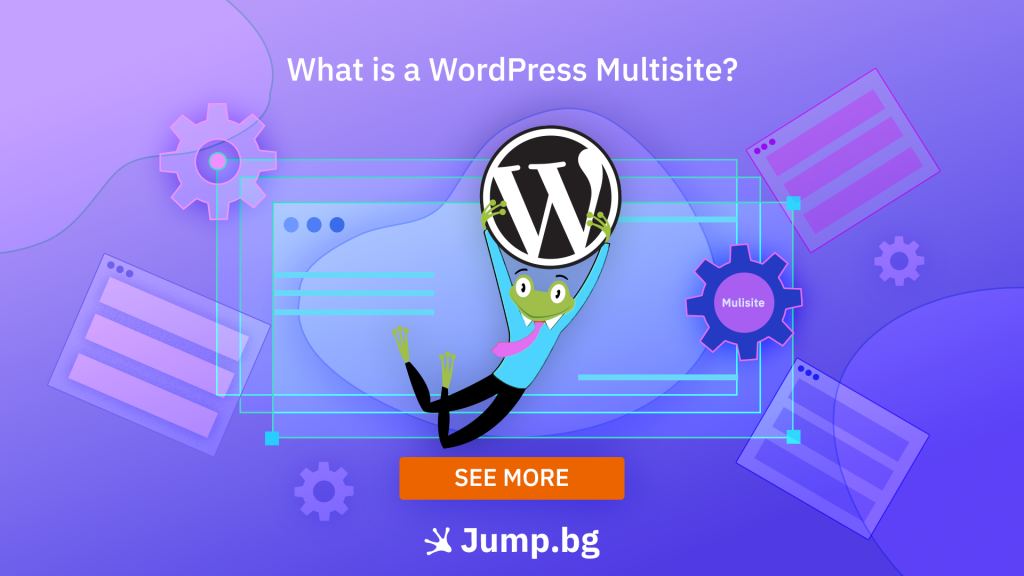
Managing several websites separately can quickly become complicated as updates, plugins, themes, and user accounts accumulate. A separate WordPress installation for each site is a suitable solution in many cases, but it isn't always the most practical approach for a group of related websites. WordPress Multisite offers an alternative by allowing multiple sites to operate within a single WordPress installation and be managed centrally.
In this article, we'll look at what WordPress Multisite is, how it works, its benefits and limitations, and when it's a suitable solution for managing multiple websites.
Key Takeaway:
WordPress Multisite lets you manage multiple websites from a single WordPress installation. Each individual site retains its own content and settings. It's a suitable solution for related websites that require centralized management.
Key Features of WordPress Multisite
With WordPress Multisite, individual sites are part of a shared network while retaining their own content, media files, and settings. This allows different departments, brands, or locations, for example, to maintain separate websites without requiring a separate WordPress installation for each one.
Network administration is divided into two levels. The Super Admin manages settings and resources across the entire network, while individual site administrators only have control over the sites assigned to them. This allows shared technical components to be managed centrally without giving every administrator access to the entire network.
Example: A company with offices in Sofia, Plovdiv, and Varna could maintain a separate website for each location within a single WordPress Multisite network. Each office could manage its own content, while themes, plugins, and core technical settings are controlled centrally.
Benefits
Less Administrative Work
Centralized management reduces the number of repetitive tasks involved in maintaining multiple websites. Administrators can manage access, add new sites, and apply changes across the network more efficiently without performing the same actions separately for each website.
More Efficient Maintenance
Updates to the WordPress core, themes, and plugins can be managed from one place. This saves time across larger networks and makes it easier to keep software versions consistent between individual sites.
Easier to Maintain Consistent Branding
Multisite allows selected themes and functionality to be made available across the entire network. This is particularly useful for companies, franchises, or organizations that want their individual websites to follow common design and functionality standards while publishing different content.
Faster Addition of New Sites
A new site can be added to the existing network without building a separate WordPress installation from scratch. This makes Multisite a practical solution for organizations that regularly create new websites for locations, departments, projects, or other organizational units.
Limitations
Greater Administrative Responsibility
Changes made at the network level can affect all connected sites. Updates, user roles, permissions, and shared settings therefore need to be managed carefully. An incorrect configuration or an issue following an update can have a wider impact than it would on a standalone WordPress site.
Shared Server Resources
Sites within a Multisite network share the same hosting environment and are not completely isolated from one another. High resource usage or a technical issue on one site can affect the performance of the rest of the network.
Theme and Plugin Limitations
Not every WordPress plugin or theme works equally well in a Multisite environment. Some extensions don't support Multisite, others require additional configuration, and certain plugins may also have different licensing requirements.
More Complex Individual Site Migration
Moving a site into or out of a Multisite network usually requires more work than a standard WordPress migration. In addition to the content, you need to consider users, media files, settings, and dependencies on shared themes and plugins.

WordPress Multisite vs. Separate WordPress Installations
| Criteria | WordPress Multisite | Separate WordPress Installations |
| Best suited for | Related websites with centralized management | Independent websites with different requirements |
| Themes and plugins | Managed at the network level | Each site can have its own configuration |
| Users | Can be managed within the shared network | Managed separately for each site |
| Hosting resources | Sites share a common hosting environment | Each site can use a separate environment and resources |
| Flexibility | Less independence between individual sites | Greater control over each individual site |
| Best choice when... | Sites share the same owner, structure, and similar technical requirements | Sites need to be developed and managed independently |
In short: if your websites are part of the same organization and use a similar technical configuration, WordPress Multisite can significantly simplify their management. If each site has different requirements, its own plugins, a separate team, or needs to be easily moved to another hosting environment, separate WordPress installations are generally the more flexible choice.
Conclusion
WordPress Multisite can significantly simplify the management of multiple related websites by bringing key administrative tasks into a single environment. However, it isn't the right solution for every project. Before using it, consider how closely your sites share technical requirements and whether centralized management is more important to you than the independence offered by separate WordPress installations.
At Jump.bg, our WordPress Hosting plans are suitable for everything from a single website to more complex WordPress environments. With LiteSpeed-powered performance, free SSL certificates, daily backups, and optional WordPress support, you'll have the tools and assistance you need to keep your websites secure, fast, and easy to manage.
If you need help choosing the right hosting solution, contact us at 02 428 8888 or email support@jump.bg.