The debate between subdomains and subdirectories has been ongoing in the SEO community for years, with compelling arguments on both sides. Some believe that using a subdirectory provides a ranking advantage, while others argue that subdomains can perform just as well in search results. In reality, the answer is more nuanced, and the right choice depends on how your website is built and managed.
In this article, we'll compare subdomains and subdirectories, explain how they affect SEO, and help you choose the structure that best fits your website.
Key Takeaway:
Google does not give an SEO advantage to either subdomains or subdirectories. Both can perform well in search results as long as the content is easy to crawl and index, and the website has a clear architecture with well-structured internal linking. Use a subdirectory when the content is closely related to your main website, and a subdomain when a section requires separate infrastructure, functionality, or management.
Why Website Structure Matters for SEO
Your website's structure determines how easily both users and search engines can navigate and understand its content. A clear, logical structure helps visitors quickly find the information they need while allowing search engines to crawl pages efficiently and understand the relationships between them. Conversely, a poorly organized website can make important content harder to discover and negatively affect the overall user experience.
Choosing between a subdomain and a subdirectory is an important part of your website's architecture. While both options can be successfully crawled and ranked by search engines, they organize content differently and can influence website management, internal linking, performance tracking, and future scalability.
What's the Difference Between a Subdomain and a Subdirectory?
Before exploring their SEO implications, it's important to understand how subdomains and subdirectories work. Both organize content under the same primary domain, but they do so in different ways. Your choice affects content organization, website management, and how users and search engines access individual pages.
What Is a Subdomain?
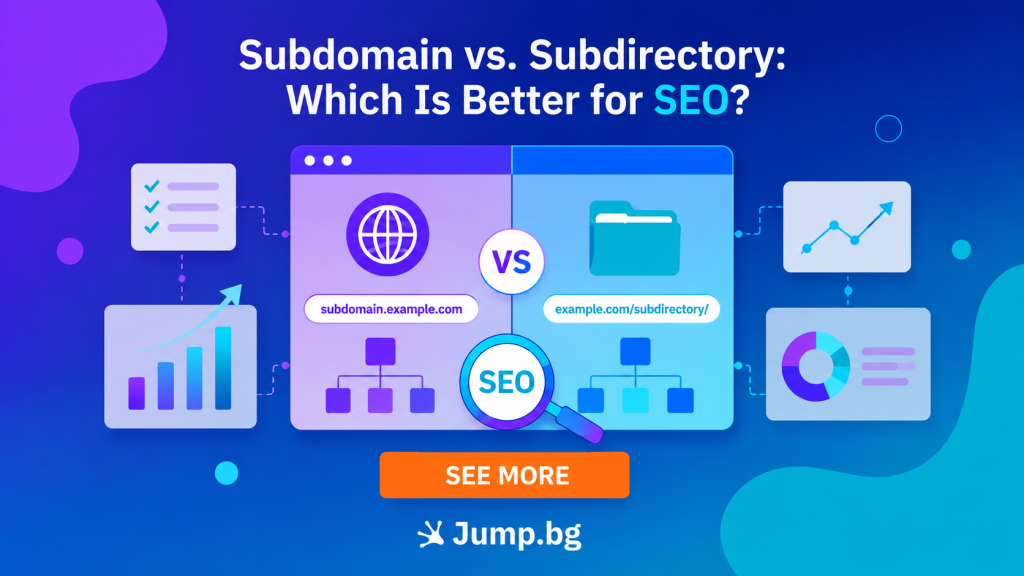
A subdomain is a separate section of a website that uses its own prefix before the primary domain name. Although it has its own web address, it remains part of the main domain.
Example: help.jump.bg
Subdomains are commonly used for content or platforms that operate independently from the main website. Typical examples include customer portals, developer documentation, support centers, and web applications.
What Is a Subdirectory?
A subdirectory, also known as a subfolder, is a directory within the primary domain. Instead of creating a separate section of the website, it organizes content within the same hierarchical structure.
Example: jump.bg/blog
Subdirectories are commonly used for blogs, knowledge bases, product categories, service pages, and other content that is closely related to the main website.
Real-World Examples
For example, a SaaS company might use app.example.com for its customer portal and docs.example.com for developer documentation. This allows each section to be managed independently and, if necessary, run on a separate platform.
By contrast, an online store might publish buying guides under example.com/blog and its help documentation under example.com/help. This keeps all informational content within the main website and under the same site architecture.
Subdomain vs. Subdirectory: Which Is Better for SEO?
Neither subdomains nor subdirectories have an inherent SEO advantage. Google has repeatedly stated that both can be crawled, indexed, and ranked successfully. The better option depends on how your website is structured and managed. Rather than asking which approach is better, it's more useful to understand how each one affects different aspects of SEO.
Crawling and Indexing
Google can effectively crawl and index content located on both subdomains and subdirectories. What's far more important is ensuring that pages are easy to discover through clear navigation, logical internal linking, and a well-maintained XML sitemap. Regardless of your URL structure, pages without internal links or with a confusing site architecture may be more difficult for search engines to discover and index.
Website Architecture
A well-organized website architecture helps search engines understand how pages are connected. When content is placed within a subdirectory, it naturally becomes part of the main site's structure, making it easier to organize related topics. A subdomain, on the other hand, creates a separate section, making it a suitable choice when the content serves a different purpose or needs to operate independently from the primary website.
Internal Linking
Internal links help search engines understand the relationships between pages while providing additional context about their content. When your blog, resource center, and product pages are connected through a well-planned internal linking structure, both users and search engines can navigate your website more efficiently. This is considered a best practice regardless of whether your content is organized within a subdomain or a subdirectory.
Website Analytics and Management
Subdirectories are often easier to manage because all content remains within a single domain. Depending on your website's configuration, subdomains may require separate properties in Google Search Console, separate Google Analytics properties, or even different content management systems (CMS). While these differences do not directly affect rankings, they can make website management, reporting, and ongoing maintenance more complex.
Scalability and Flexibility
Subdomains provide greater flexibility when different sections of a website require separate hosting environments, security policies, development teams, or technology stacks. This makes them an excellent choice for SaaS applications, customer portals, developer platforms, and other standalone services that operate alongside the main website.
When Should You Use a Subdomain vs. a Subdirectory?
The right choice depends on the purpose of the section and how it will be managed. The following examples provide a practical guideline:
| Subdirectory | Subdomain |
| Company blog Resource center Knowledge base Product categories Service pages Help center |
SaaS application Customer portal Developer documentation Community forum Regional or localized website Staging environment |
Common Mistakes to Avoid
When deciding between a subdomain and a subdirectory, avoid these common mistakes:
- Separating closely related content without a clear reason: If your blog, knowledge base, or help center is closely connected to your main website, placing it on a separate subdomain may complicate management and navigation without providing any meaningful benefit.
- Overlooking internal linking: A well-structured internal linking strategy helps users navigate your website more easily while enabling search engines to discover and better understand your content.
- Prioritizing URL structure over overall website architecture: A logical hierarchy, intuitive navigation, and well-organized content have a much greater impact on SEO than whether you choose a subdomain or a subdirectory.
- Migrating without a plan: Moving content between a subdomain and a subdirectory is a website migration. Use 301 redirects, update internal links, and refresh your XML sitemap to minimize temporary fluctuations in organic traffic and search rankings.
Conclusion
Subdomains and subdirectories can be equally effective for SEO when used in the right context. Rather than searching for a universally better option, choose the structure that best aligns with your website's organization, content strategy, and long-term growth plans. A well-planned site architecture and high-quality content will have a far greater impact on your long-term SEO success than the choice of URL structure itself.
At Jump.BG, we know that a strong technical foundation is essential for every WordPress website. Our WordPress hosting is optimized for high performance and reliability, featuring LiteSpeed web servers, built-in caching, a free SSL certificate, daily backups, Redis support, and free website migration. This allows you to focus on growing your website, whether you choose a subdomain or a subdirectory.
If you're planning a new WordPress website or need help choosing the right hosting solution, our team is here to help. Contact us at +359 2 428 8888 or support@jump.bg to discuss your requirements, and we'll help you find the hosting plan that best fits your project.